Knowledge Viewer + Field Manual
I keep my technical notes in Git and read them on my phone or computer through a private browser app. I can find a runbook by name and draft a note without changing the original.
The problem
I wanted to look up a command or a procedure while I was working, including when the only thing in front of me was my phone. I had used Obsidian for my notes. For this workflow I wanted to open a browser and find the same files I keep in Git and GitHub.
The Field Manual organizes my Linux, homelab, and development notes into quick references and longer runbooks. Knowledge Viewer gives me a way to read that library from my homelab without keeping another copy of the notes.
Audience
I use it during development and server work. Coding agents can consult the same manual through a separate read-only lookup skill.
My contribution
I chose the folder structure, built the manual around the tasks I come back to, and specified the reader I wanted to use. I kept the originals read-only in the viewer and asked for a separate place to jot down what I was trying.
Decisions
- I normally remember what I named a note or which folder it belongs in. Search checks file and folder names, even in branches I haven’t expanded, and shows the path so I can tell similar results apart.
- The viewer reads the Markdown files directly. Once a change is in the homelab checkout, I can reopen the note and read the updated file.
Workflow
Find and read a reference
I open the viewer through Tailscale on my phone or computer and search the folder I’m working in. I can keep related files open in tabs, follow links between pages, and read a command example or look at an image without leaving the browser.
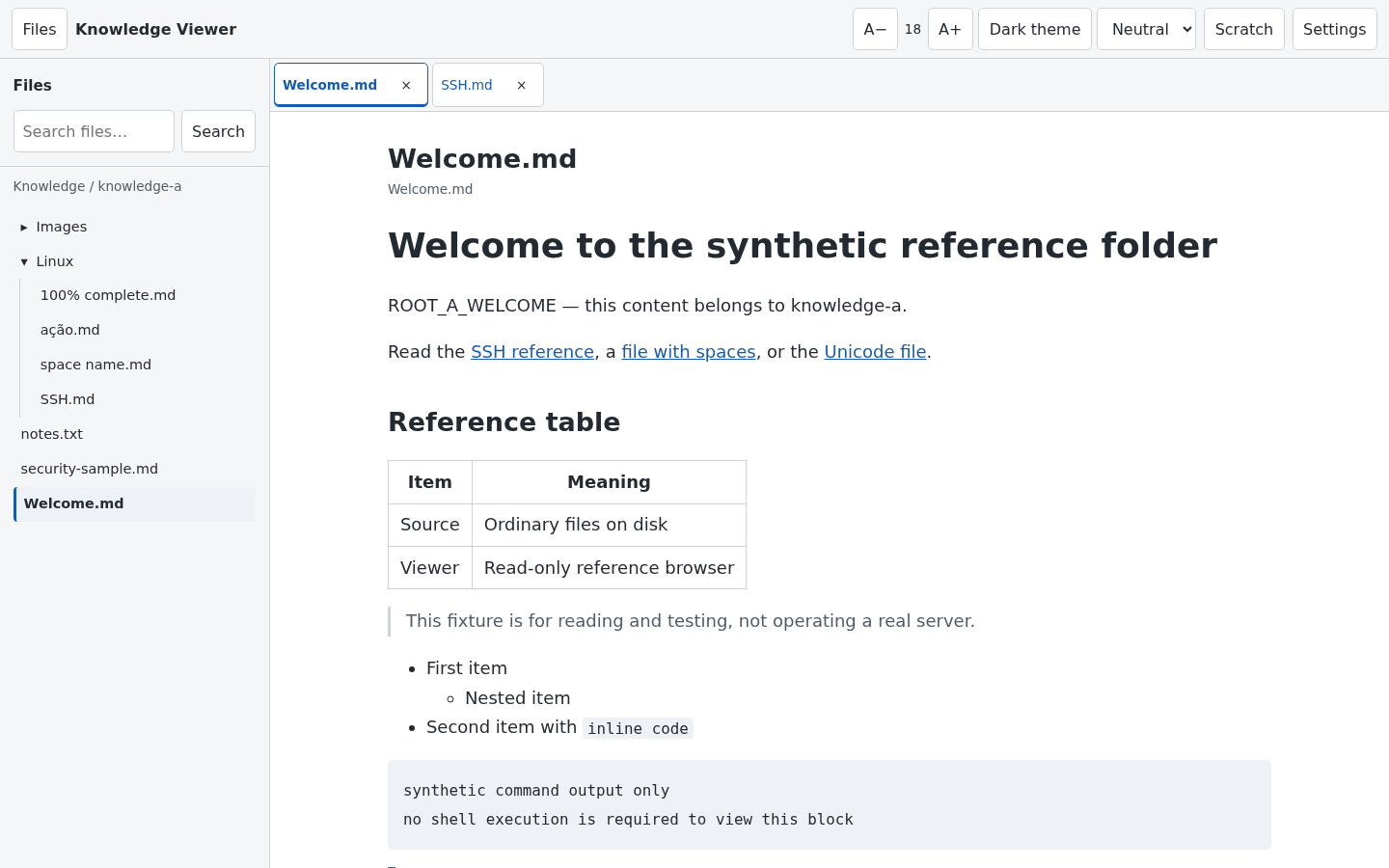
Open screenshot at full size
Keep working notes nearby
The scratch panel opens over the current reference. I can close it and come back to my draft. When I choose Save, it writes a separate Markdown file. If a newer save exists, the viewer asks me to reconcile the draft before overwriting it.
Implementation
- Reference files stay read-only. Scratch saves go to separate storage, so experimenting in the reader leaves the Git-backed manual intact.
- For an agent lookup, the reference skill retrieves the relevant Markdown and points to the file and section it used. The browser and the agent work from the same library.
Outcome
I use the viewer on my homelab as part of my day-to-day work. When I come back to a deployment or troubleshooting task, I can find the procedure I saved and use it again from either device.
Source reviewed