Insight BJJ website + preorders
The gym website takes trial requests and gives me a place to follow up. A separate gear catalog and private order manager take member preorders from request through invoicing and pickup.
The problem
I wanted a visitor to be able to find the right program and ask for a trial without having to call first. Once the request came in, I needed a clear place to see who I’d contacted and who still needed a reply.
Gear orders had a different problem. Members needed to pick specific sizes and quantities, and I wanted to check the orders together before sending invoices and buying gear for the group.
Audience
For prospective students and guardians, gym members ordering gear, and the person handling follow-up.
My contribution
I chose what the trial form should collect and how I wanted to confirm a visit. For preorders, I kept the catalog simple and set up a separate order manager on my Debian homelab. I use Tailscale to open it privately, review orders, and handle invoicing through Stripe.
Decisions
- A trial request captures a preferred class day and gives me a chance to confirm it by phone or text. I kept that conversation in the process because the visitor may have questions before coming in.
- The website saves the request before it sends the gym an email. I can still see the inquiry in the lead manager if an alert needs attention.
Workflow
From a trial request to a visit
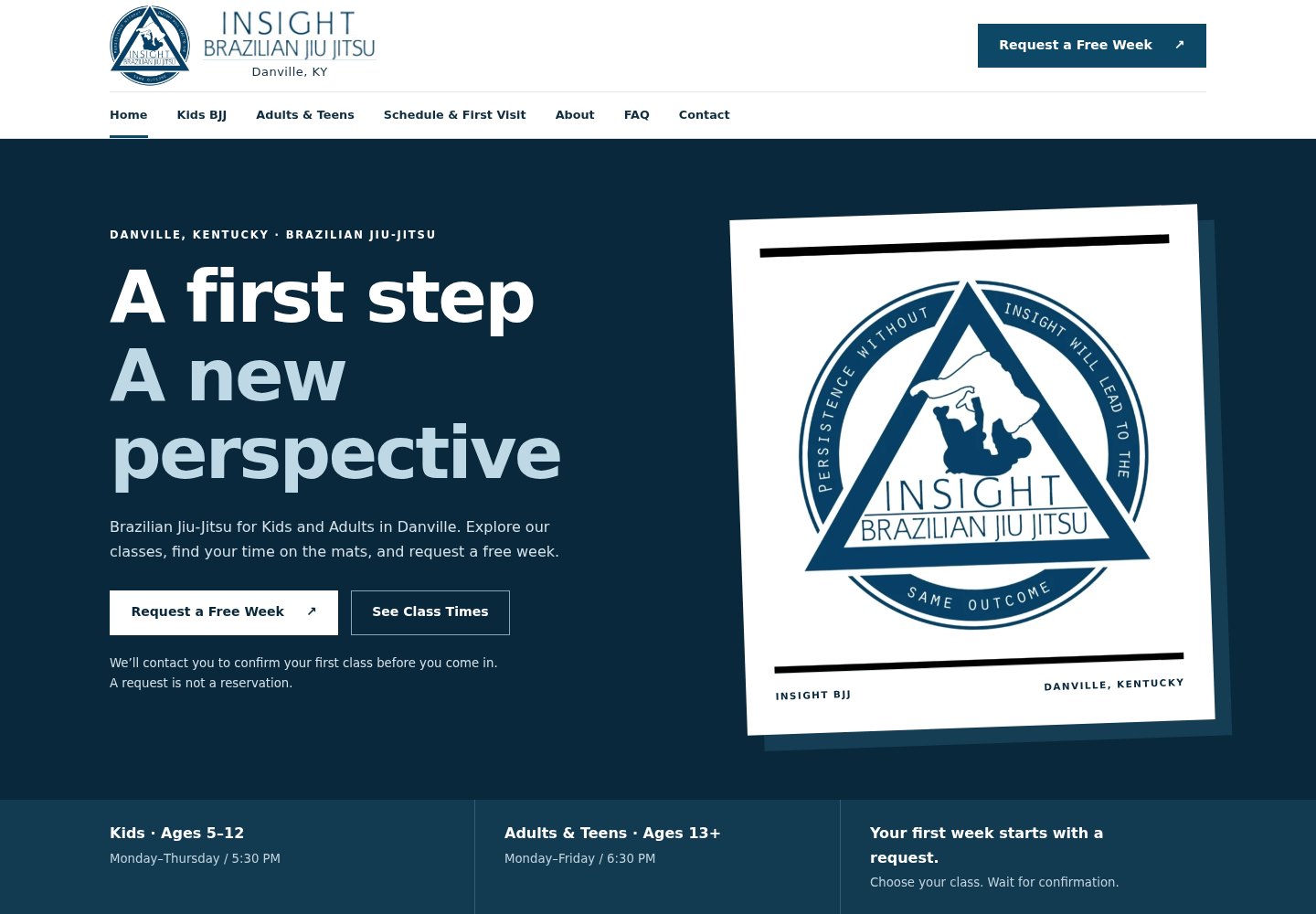
A visitor picks the kids’ or adult program and a preferred class day. The form adds the request to the lead manager and emails the gym inbox. I call or text to follow up. The lead starts as New, and I mark it Contacted, Confirmed, Attended, Joined, or Closed as appropriate. The lead keeps the history so I can pick up where I left off.
Open screenshot at full size
From a catalog request to an invoice
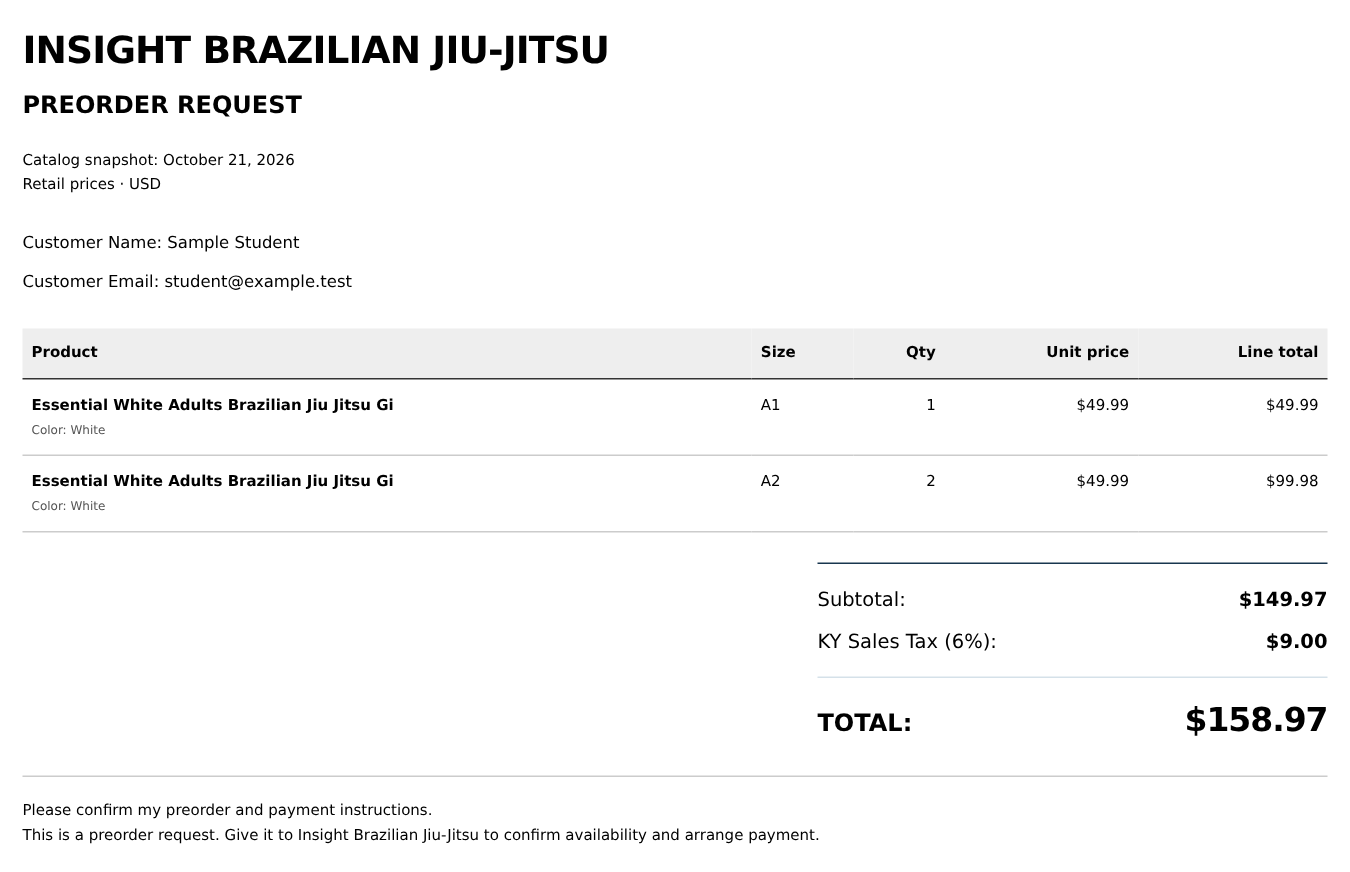
Members select sizes and quantities, check their total, and send the order summary to the gym. I bring the requests into the private manager and check the items and recipient before preparing Stripe drafts. I review the drafts and send the invoices together for that round.
Open screenshot at full size
Track the gear through pickup
The manager keeps invoice status separate from gear progress. I can see what has been ordered from the supplier, what has arrived, and what the member has picked up. If only part of the order comes in, I can record the quantities that arrived and see what’s still outstanding.
Implementation
- The lead manager keeps follow-up history and notification status alongside the inquiry. Retrying the same form submission can recover the original request without adding another lead.
- Copy, download, and print in the catalog use the same calculation. The summary gives me the sizes, quantities, tax, and total I need to check the order.
Outcome
I use the website and lead manager to follow up with new visitors. The email lets me know a request came in, and the saved history tells me where I left off.
I configured the private preorder setup in roughly three or four days and used it to fill weekly gear orders. I could work through each round from reviewing requests and sending invoices to checking what had arrived and what still needed pickup.
Source reviewed